PDF how-to
How to rotate a PDF
Rotate a PDF when one or more pages are saved sideways or upside down. A good workflow corrects only the affected pages and leaves intentional portrait or landscape pages unchanged.
Updated August 20, 2026
Quick answer
Inspect, select, rotate, verify.
Open the PDF in eggPDF, select the pages with the wrong orientation, rotate them in 90 degree steps, create the corrected PDF and reopen it to verify that the orientation was saved.
In eggPDF
Rotate PDF pages step by step with eggPDF
Use page-level rotation for scans that were saved sideways or upside down. You can correct only the affected pages instead of changing the whole document.
Result: a new PDF with the selected page orientations saved correctly.
- 1
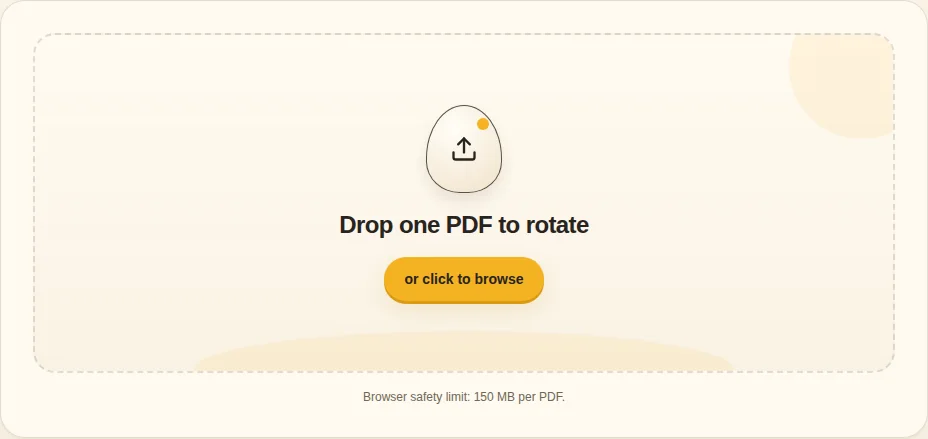
Choose the PDF
Open the document and inspect the page previews to see which pages are actually wrong.
Choose PDF - 2
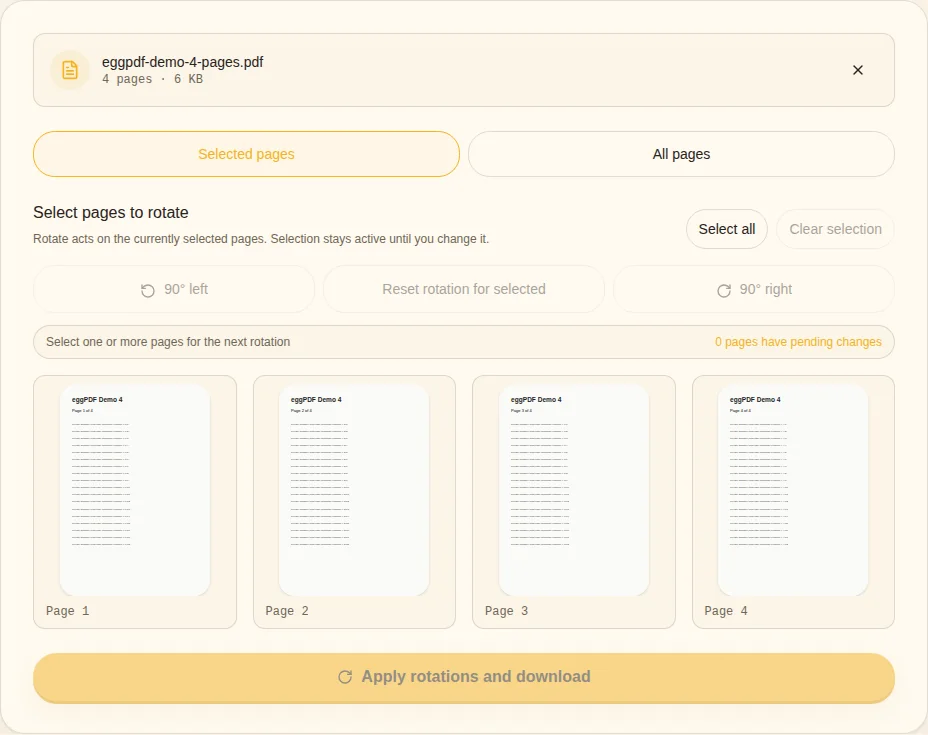
Select the affected pages
Select one page, several pages or all pages. Leave intentionally landscape pages untouched.
Selected pages - 3
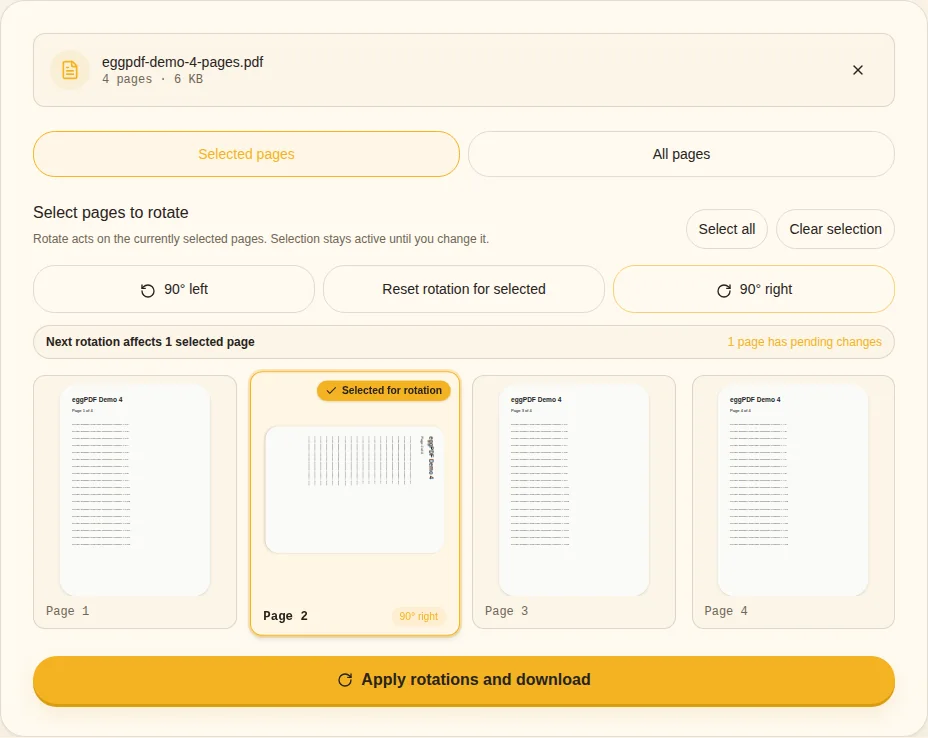
Rotate left or right
Use 90 degree turns until each selected page is readable. Two 90 degree turns correct an upside-down page.
90° left / 90° right - 4
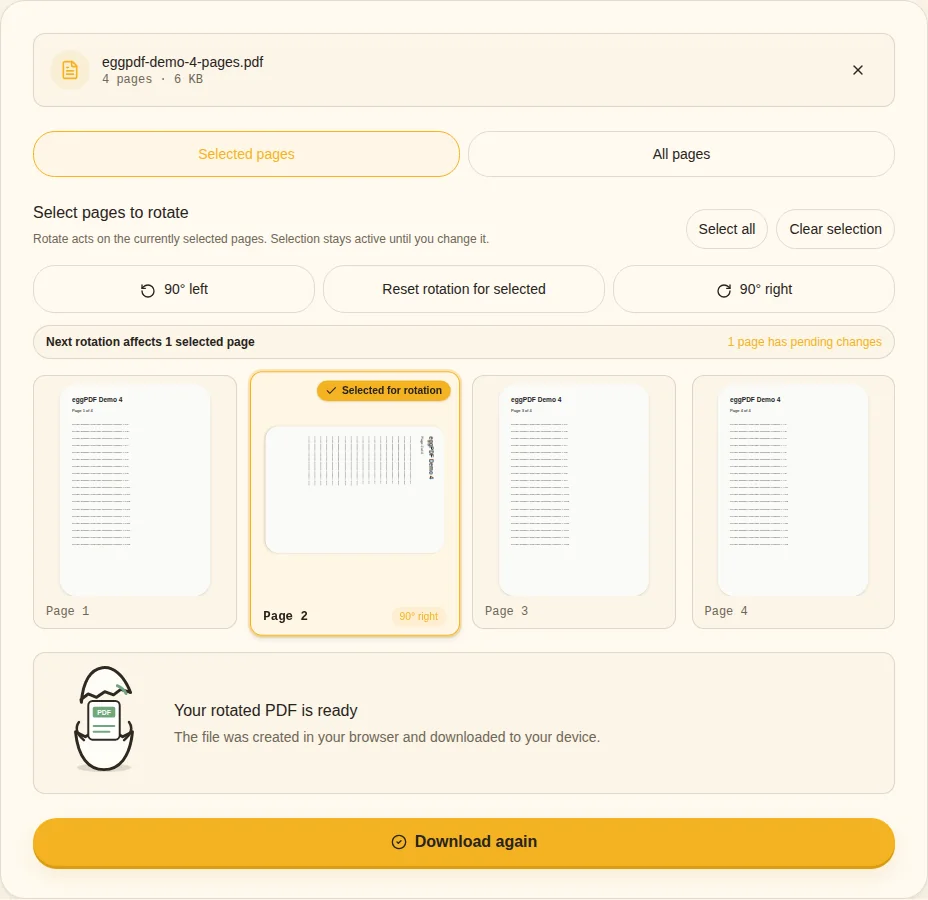
Apply and verify
Create the corrected PDF and reopen it to confirm that the saved orientation matches the preview.
Rotated PDF ready
Do not rotate pages that are already correct
- Inspect mixed portrait and landscape documents
- Correct only accidental rotations
- Verify the saved file
- Rotation does not intentionally rasterize page content
Viewer rotation vs saved page rotation
Some PDF viewers can rotate the display without changing the saved file. A durable fix creates a new PDF whose page orientation is stored correctly, so the result stays readable when it is opened again on another device.
What about mixed portrait and landscape pages?
A landscape table may already be correct even though it looks different from surrounding portrait pages. Select only accidental rotations. If the whole document has the same wrong orientation, selecting all pages can be faster.
Does rotating reduce quality?
eggPDF changes page orientation without intentionally flattening text and vector content into images. The operation does not need to recompress every page just to turn it. Always verify unusual scanned PDFs after saving.
Open Rotate PDF →Related guides