PDF troubleshooting
Why is my PDF so large?
Large PDFs are usually large because of what they contain, not because PDF itself has a fixed size overhead. High-resolution images and scans are common causes, but embedded fonts, attachments, forms, layers and other objects can also add weight.
Updated August 20, 2026
Quick answer
Images and scans are often the biggest contributors.
A scan or photo-heavy PDF can contain millions of pixels per page. Compression can reduce image data and optimize PDF structures, but not every file can be made smaller safely. Keep the original when quality matters.
What usually makes a PDF large?
High-resolution photos and scanned pages are frequent causes because each page may contain a large raster image. Embedded fonts, attachments, forms, thumbnails, comments, layers and unused PDF objects can also increase the file size.
In eggPDF
Compress a PDF step by step with eggPDF
Compression is a tradeoff between file size and fidelity. eggPDF lets you choose a balanced or lossless workflow and shows the result before you decide whether to keep it.
Result: a smaller PDF when the source contains data that can be safely optimized.
- 1
Choose the PDF
Start with the original file and keep a copy if image quality or print fidelity matters.
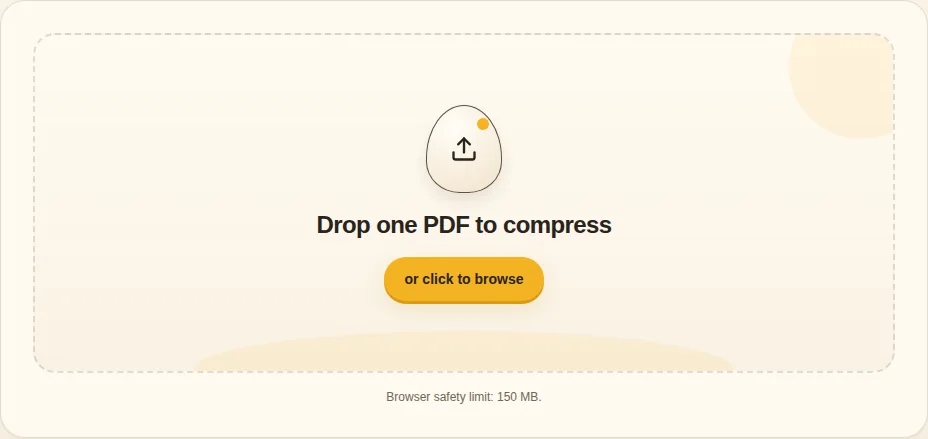
Drop one PDF to compress - 2
Choose a compression mode
Balanced is the practical choice for scans, photos and presentations. Lossless focuses on structure and streams without intentionally reducing image quality.
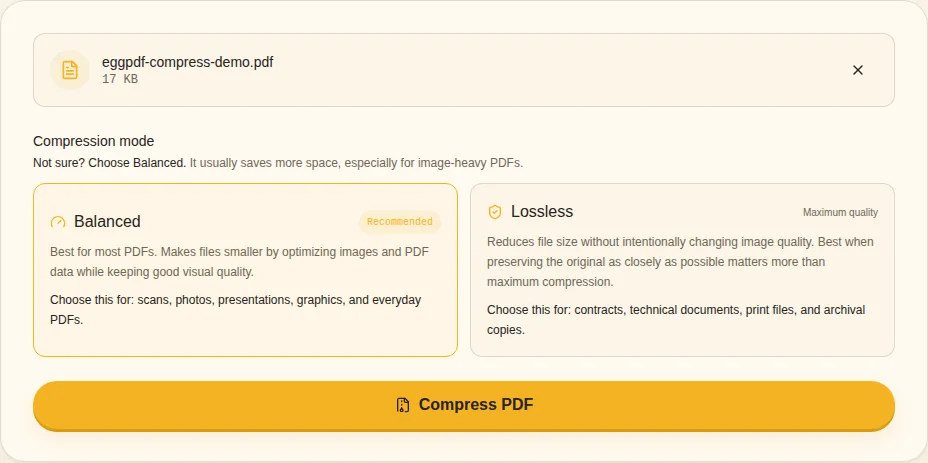
Balanced / Lossless - 3
Compress locally
Run the compression and keep the tab open while the local browser engine processes the file.
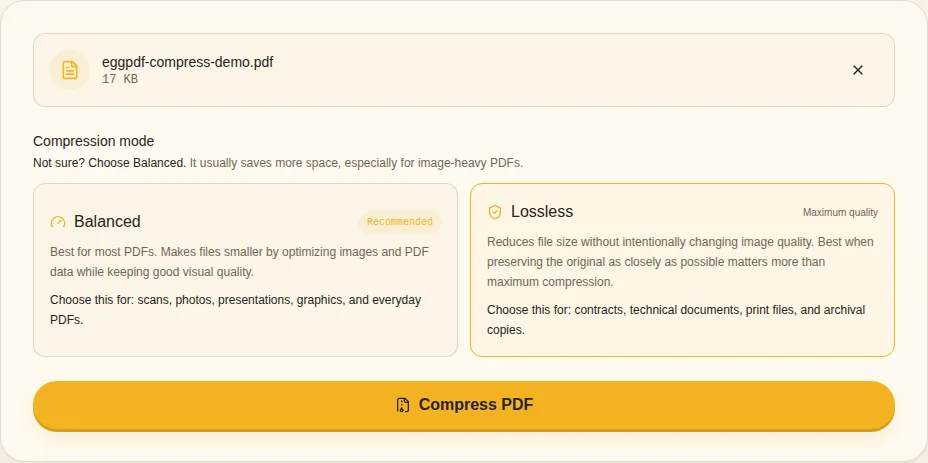
Compress PDF - 4
Compare before and after
Check the reported size reduction and open the result. If no smaller safe output is possible, keep the original rather than forcing quality loss.
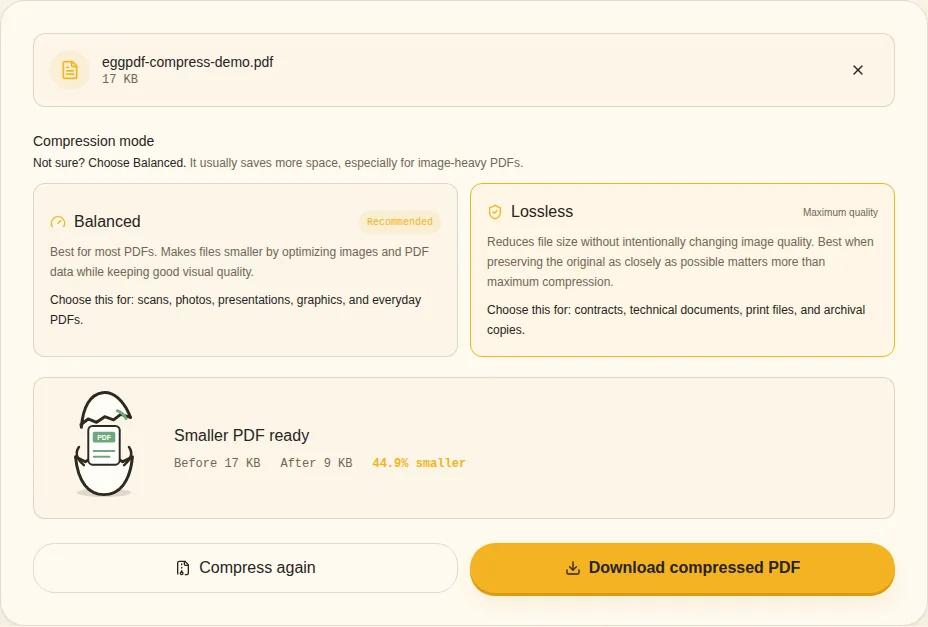
Before / After / PDF ready
Compression is not guaranteed
- Already optimized PDFs may not shrink
- Scans and photos usually offer more potential
- Lossless preserves image content more conservatively
- Keep the original when quality matters
Balanced vs Lossless compression
Balanced mode is the practical choice when meaningful size reduction matters, especially for image-heavy PDFs. Lossless mode focuses on structural optimization without intentionally changing image content, so it may produce a smaller reduction.
Will splitting a PDF make it smaller?
Each split file can be smaller because it contains fewer pages, but splitting does not necessarily optimize the content of those pages. If one page contains a very large scan, extracting or splitting that page will still leave a large file.
When should you keep the original?
Keep the source file when print quality, archival fidelity, legal evidence or future editing matters. Treat a compressed PDF as a delivery copy unless you have verified that the reduced file still meets the purpose of the document.
Related guides